
After a WhatsApp enquiry for a luxury car rental
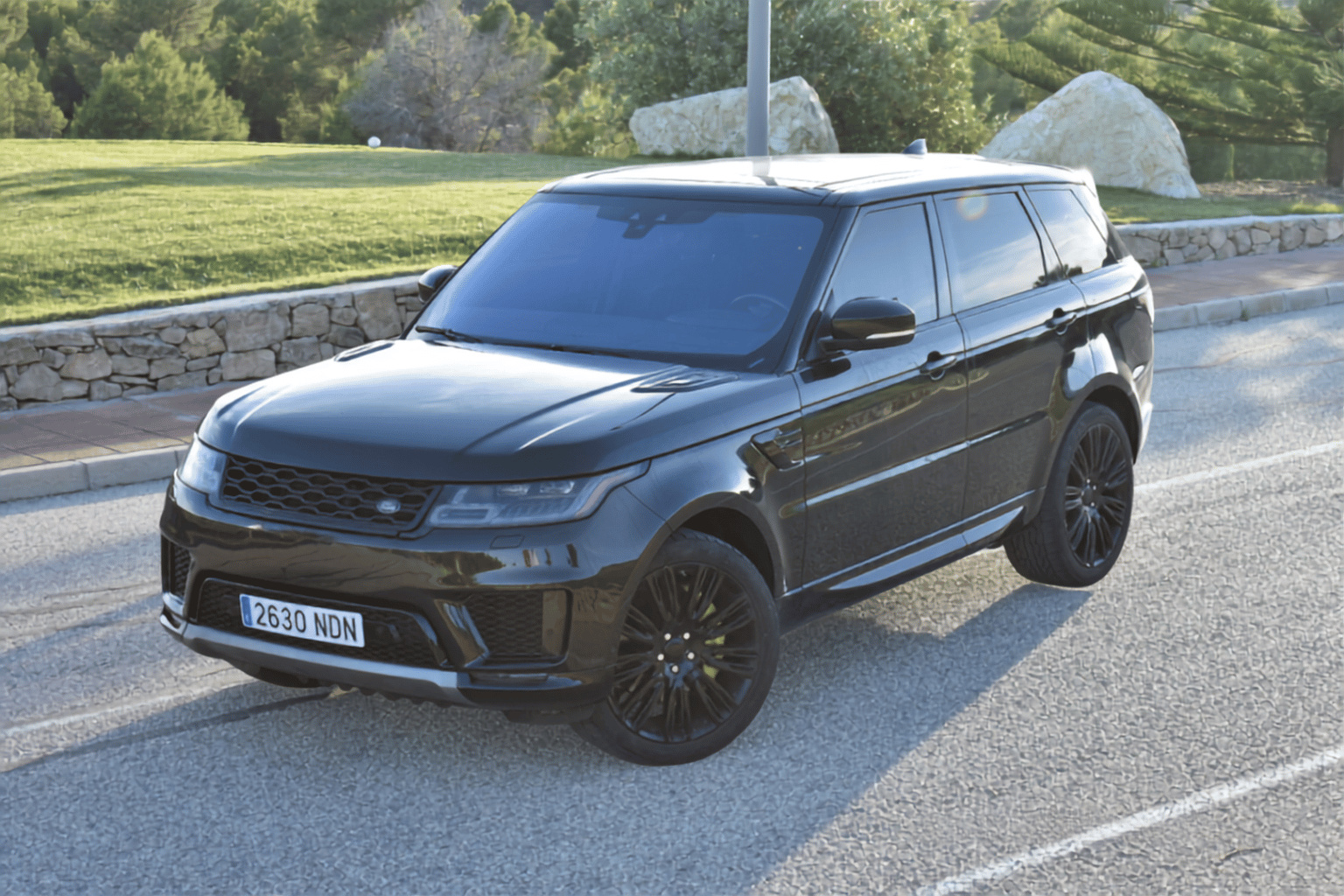
The company welcomes rental enquiries by WhatsApp. A useful first message starts a conversation, while the specific vehicle and terms still need confirmation.
Make the first message usable
The company FAQ calls WhatsApp its preferred booking contact, but does not say that a sent message itself reserves a car. Include the desired model, pickup and return dates with times, location, number of passengers and route outline. If an airport is involved, give the flight details. Ask whether the exact vehicle is available or whether an alternative would be proposed; do not rely on a listing alone.
Clarify eligibility and the offer
Expect to check who will drive, the licence and ID requirements, and the credit card for the deposit before accepting an offer. The published conditions describe minimum age, licence experience, a vehicle-dependent deposit, mileage and insurance deductible. Ask the team to state the requirements for your particular car in writing, along with total price, delivery, fuel, cancellation and return arrangements. A quick reply is useful only if the essential terms are clear.
Keep the confirmation and review the handover
When the details are settled, ask for a written booking confirmation that identifies the car or agreed substitution, dates, times, addresses and quoted conditions. Check it against your messages and flag any mismatch before travelling. At handover, bring the documents and card specified, inspect the car and read the rental contract. The site terms say the signed contract prevails, so resolve any difference before taking the keys.
Does a sent WhatsApp message reserve the car?
Do not assume so. Wait for a written confirmation of vehicle, dates, price and conditions.
What should my first message include?
Model, exact dates and times, handover places, drivers, passengers and any flight or route details.